Resume Tips
Resume Writing Checklist for 2026: 50+ Checks Before You Hit Submit
Fifty checks to run before you hit submit — contact details, structure, ATS formatting, proofreading, and the red flags that quietly sink a resume.
Recruiters do not read your resume. They scan it — six or seven seconds, first pass — and that scan decides whether anyone reads it at all.
So none of this is about making a resume beautiful. It is about those six seconds finding what the job posting asked for.
Most of the checks below take ten seconds. The ones that take longer are the ones that actually get people rejected.
Before You Start
Work down the list section by section, and tick an item only when your resume genuinely meets it. Short on time? Four sections change outcomes: Contact Information, Work Experience, ATS Optimization, Proofreading. The rest is polish, and polish can wait until the file is right.
1. Contact Information
Cheap mistakes live here. Fix these first, because they are the fastest to fix.
- Your name at the top, bigger than anything else on the page. Obvious, until you see a resume where the name is the same size as the section headings.
- A phone number with an area code. Applying across state lines with a bare seven-digit number reads as a local call you might not take.
- An email that is a name, not a handle: firstname.lastname, or close to it.
- The email is one you check daily. Once a day is fine. Once a week, mid-search, is not.
- City and state, no street address. Enough to place you, and one less thing a stranger is holding.
- A LinkedIn URL you have actually claimed. linkedin.com/in/yourname beats linkedin.com/in/yourname-4b7f29c1, and claiming it takes a minute.
- Your portfolio or site, if it is relevant to this job. If it is not relevant, leave it off.
- No photo, date of birth, marital status, religion or Social Security number. None of it helps, and some of it starts conversations you do not want.
- Nothing left over from the account you made in college. The old address works, technically.
2. Resume Structure & Length
- One page if you have under ten years of experience. Two pages is not more impressive, it is more to skim.
- Two pages at most if you are senior. Nobody has ever been hired for the third page.
- Reverse chronological order, most recent first. Readers spend their six seconds at the top and stop.
- Standard headings: Summary, Skills, Experience, Education, Certifications. A clever heading costs you the second someone spends looking for "Experience".
- "References available upon request" removed. They know. It is one of the last lines on a resume that only takes up room.
- Objective statements gone, unless you are entry-level and aiming at one specific role. "Seeking a challenging position" is the same sentence on every resume in the pile.
- If you keep a summary, two to four lines, aimed at this job. A summary that could be pasted onto any application is filler with a heading over it.
- Every line helps you get this particular job. If its only defence is "it is true", cut it.
3. Work Experience
- Job title, company, location and dates on every entry, month and year. A missing date reads as something you are not saying.
- Present tense for the job you hold.
- Past tense for the ones you left.
- Each bullet opens with a real verb (Led, Built, Cut, Shipped, Negotiated), and not with the same one twice in a row.
- Achievements, not duties. "Managed social media" describes a job posting. "Grew the list from 800 to 11,000 in a year" describes you.
- Numbers wherever a number exists: percentages, dollars, headcount, hours saved. If none exists, give the scale: team size, budget, volume.
- No personal pronouns. "I led" is assumed; the pronoun just makes the page read like someone talking about themselves.
- Old or unrelated jobs cut. Your first job out of school is not paying rent at the top of the page.
- Gaps answered, briefly and without apology, somewhere in the document. A one-line note beats the question in an interview.
- Industry jargon only where the industry will read it. Anywhere else it is a word the screener has to translate.
- Acronyms spelled out the first time, then abbreviated.
- "Responsible for" used once at most. It is the weakest way to open a sentence, and it tends to arrive in threes.
4. Education
- Degree, major, school, graduation date. An expected date is fine if you are still in it.
- A GPA only if it is 3.5 or above and you finished within the last three years. Past that, the work outranks the coursework.
- Relevant coursework, honors or awards if they make you stronger. If they do not, they push the experience further down the page.
- High school removed once you hold a college degree. Keeping it reads as a resume nobody has updated since.
- The section where your experience level says it belongs. Early career it goes near the top; ten years in, near the bottom.
5. Skills
- Hard skills that match the job description. This list is a keyword surface, not a personality profile.
- Software, languages, tools and certifications named properly. "Office suite" is not a skill; "Excel, pivot tables, VLOOKUP" is.
- "Hard worker" and "team player" gone, or backed by a line that proves them. An unsupported adjective is the fastest way to lose a reader.
- Skills grouped under labels: Technical, Languages, Certifications. One long run-on list is a pile, not a section.
- Keywords from the posting used in the shape the posting uses them. "Project management" and "managing projects" are different strings to software.
- Irrelevant skills removed. Every extra item dilutes the ones that match.
6. ATS Optimization
This is the section that decides whether a human reads the other nine.
- Standard headings, spelled the usual way. The software looks for "Experience"; it does not look for "Where I Have Been".
- No tables, text boxes, columns, headers or footers. Parsers read some of them, and none of them reliably.
- A standard font: Arial, Calibri, Helvetica, Times New Roman. Anything more decorative is a bet on the parser.
- .docx or .pdf, unless the employer names a format. Then that format, even if you dislike it.
- A file name with your name in it: FirstName_LastName_Resume.pdf.
- No images, icons, charts or graphics. Each one is a place the parser stops.
- Keywords from the description included naturally, from the posting rather than the phrasing you prefer.
- No keyword stuffing. The wall of terms in white text is the version of this that gets your application thrown out.
- Contact details in the body of the document, not only in the header. Headers are where contact information goes missing.
7. Formatting & Design
- Font size between 10 and 12 points.
- Margins between half an inch and an inch.
- One bullet style, used consistently.
- Bold for job titles and company names, and nowhere else.
- White space doing real work. The page should be scannable before it is readable.
- Dates in one format throughout. "Jan 2024", "January 2024" and "01/2024" are three different resumes.
- Punctuation consistent, including whether bullets end in periods. Pick one and do not switch halfway down.
- A clean template. If the template is interesting, the resume is not.
- Coloured text only if you work in a field where that reads as normal.
- No decorative template that competes with the content. The decoration is the thing a recruiter remembers instead of you.
8. Proofreading
- Spell check run, and not trusted on its own. It does not know that you meant "manger".
- The whole thing read out loud. You will hear the missing words that your eye filled in.
- Grammar and punctuation checked.
- Verb tenses checked, against each job's dates.
- Company names spelled the way the company spells them.
- Job titles spelled the way the posting spells them, including the odd capitalisation.
- Contact information verified, character by character. One wrong digit and the rest of the page is decoration.
- A friend or mentor has read it. Fresh eyes catch what your fourth read cannot.
- Missing words and repeated words checked. There is always one.
- American spelling for American employers. "Organisation" and "programme" mark the file from the first line.
9. Tailoring
- Customised for this specific job, not sent as-is.
- The description's language mirrored where it is honest. For the words you actually mean, borrow theirs.
- The most relevant experience moved to the top of its section, even if it is not the most recent.
- Unrelated details removed for this application.
- The posting's specific requirements addressed somewhere on the page, in your own words.
- The job title included, if it matches what you did. The screener is often looking for that exact string.
- The company's own site read for the words they use about themselves, and those words used where they fit.
10. Final Submission Check
- Saved as the right file type for this application.
- File name professional, and containing your name.
- The resume actually attached. This one is not a joke; it happens every week.
- Your LinkedIn profile current, and consistent with the resume.
- Portfolio links open, and open to the right page.
- Every instruction in the posting followed, including the awkward ones.
- A copy of the job description saved for interview preparation.
- The email or cover letter that carries it proofread too. A clean resume under a message with a typo in the first line.
Red Flags to Avoid
- Typos and spelling errors
- Missing contact information
- A photo, or personal details nobody asked for
- More than two pages
- No numbers anywhere
- Generic skills and empty phrases
- Tables, columns or graphics that the parser cannot read
- A file name like "resume_final_final.pdf"
- "References available upon request"
- Employment gaps with no explanation
What To Do With This
You will not tick every box every time, and that is fine. A resume with forty of these done beats a perfect one you send three days late.
Two I would not skip. A file name with your actual name in it, and a second pair of eyes. Everything else here can be fixed after you submit. Those two cannot.
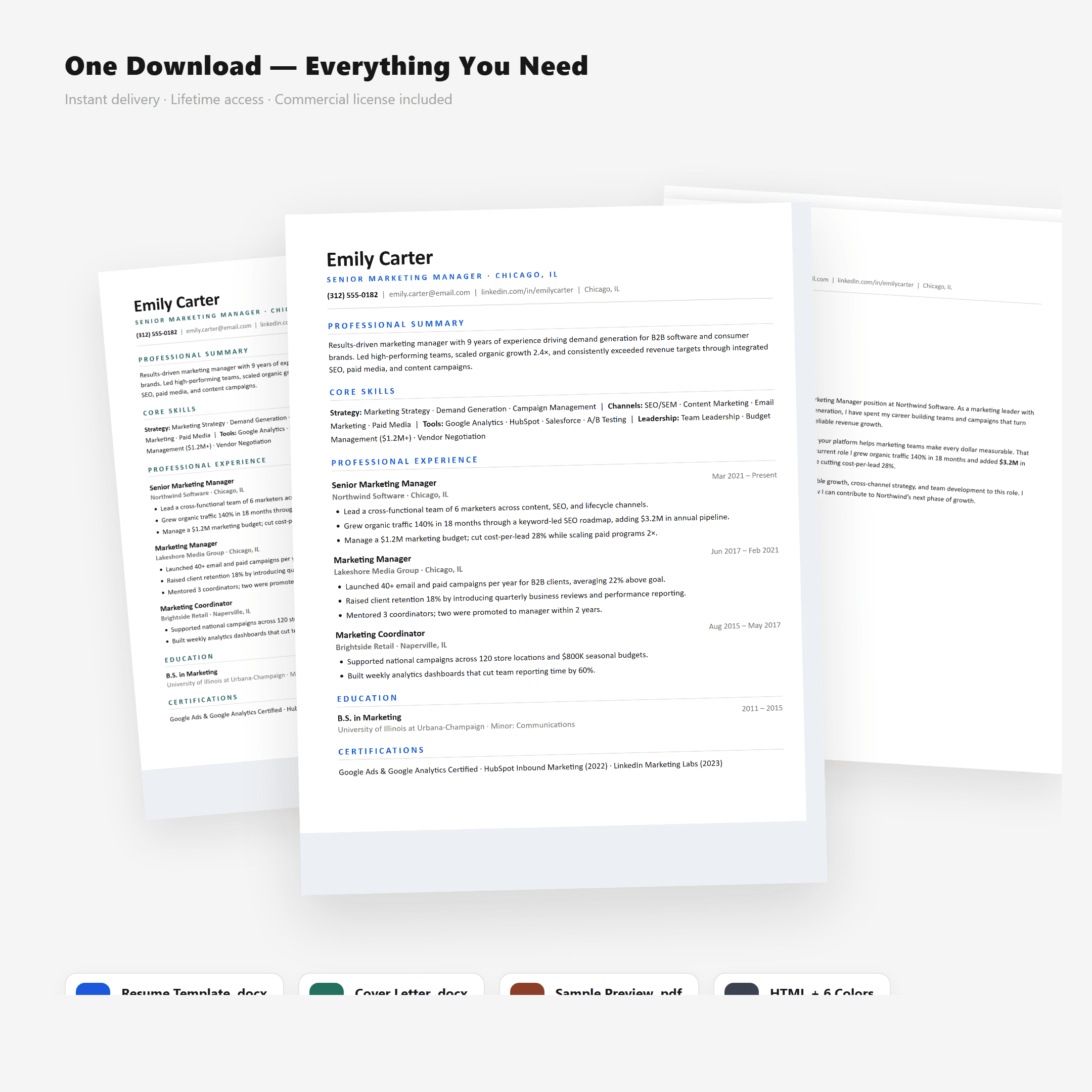
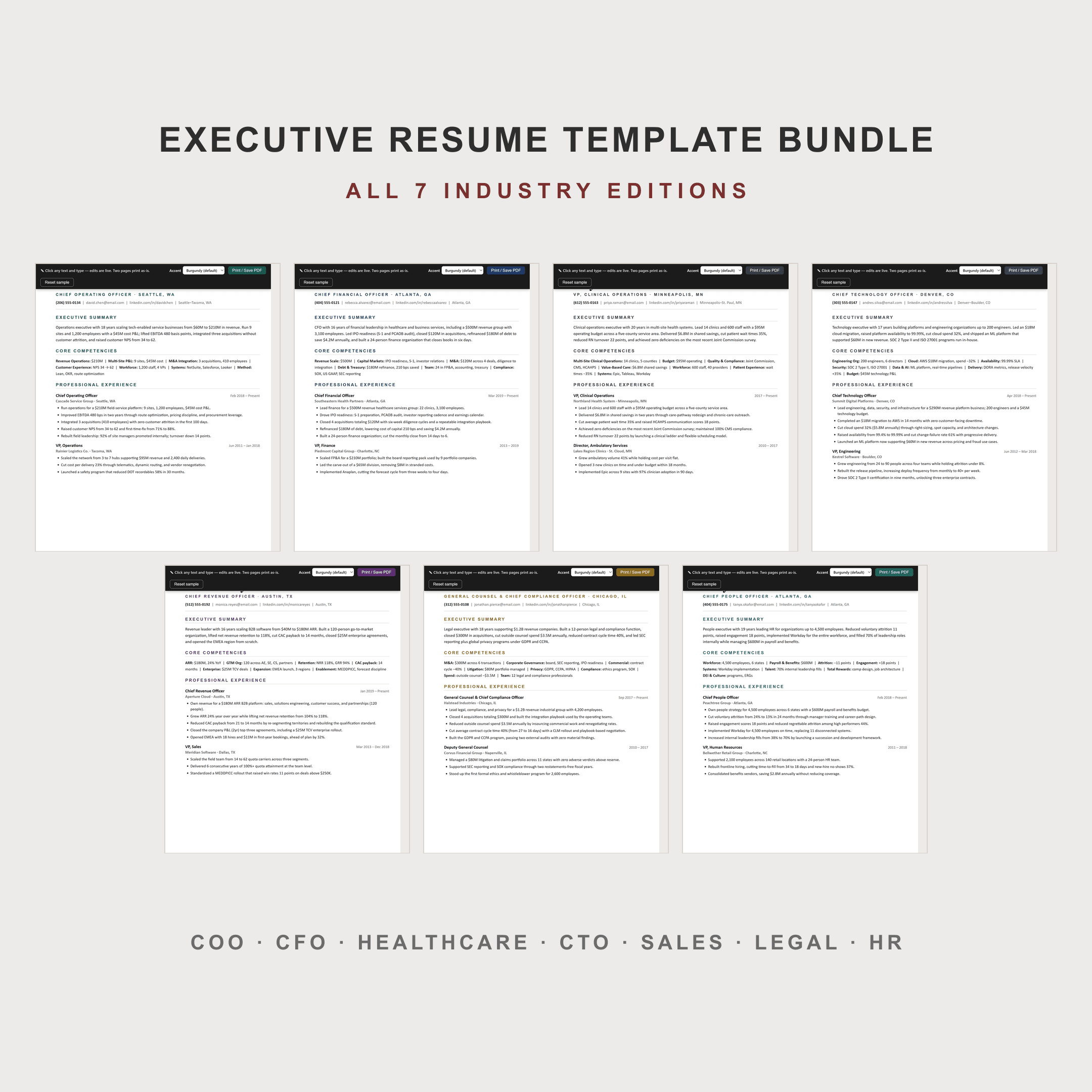
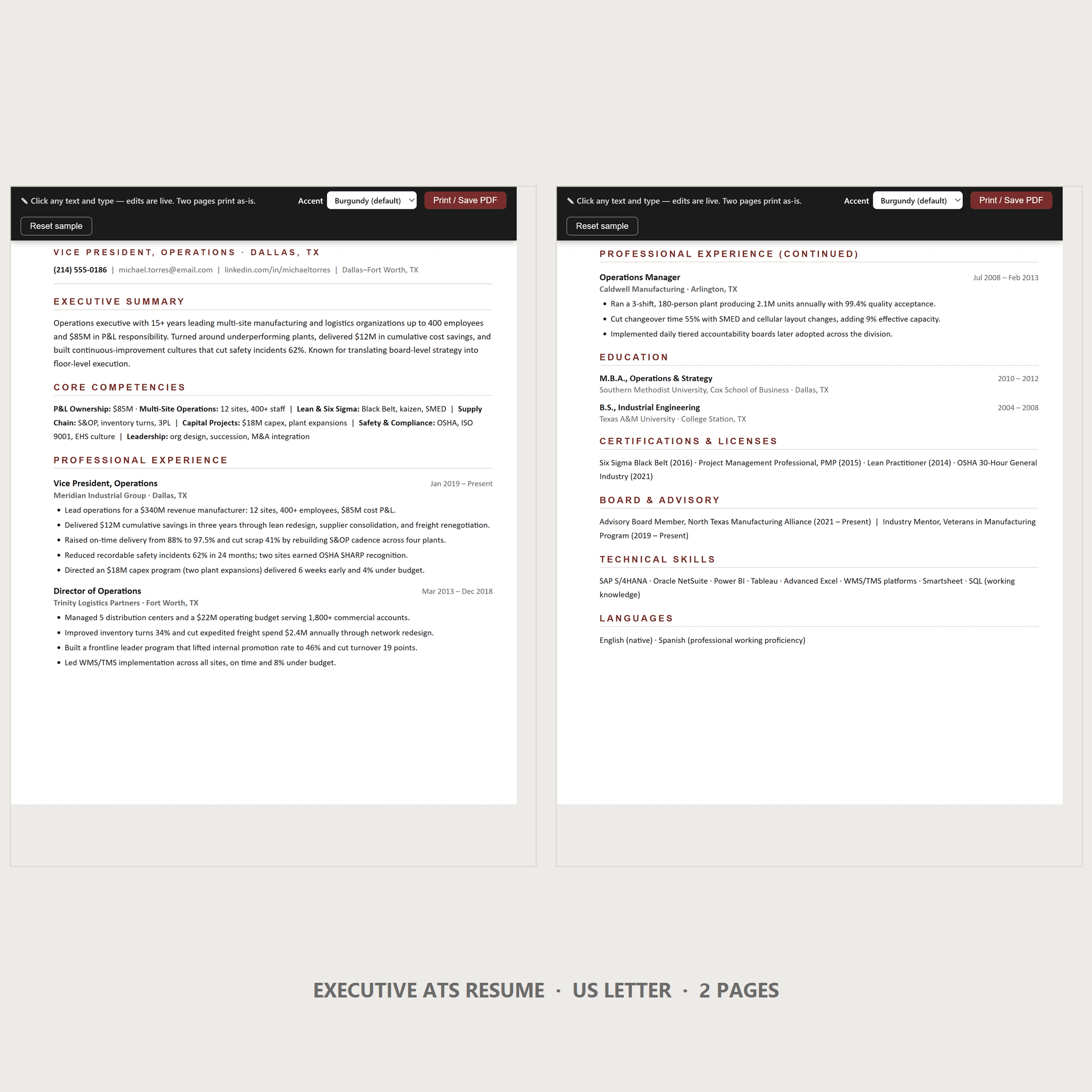
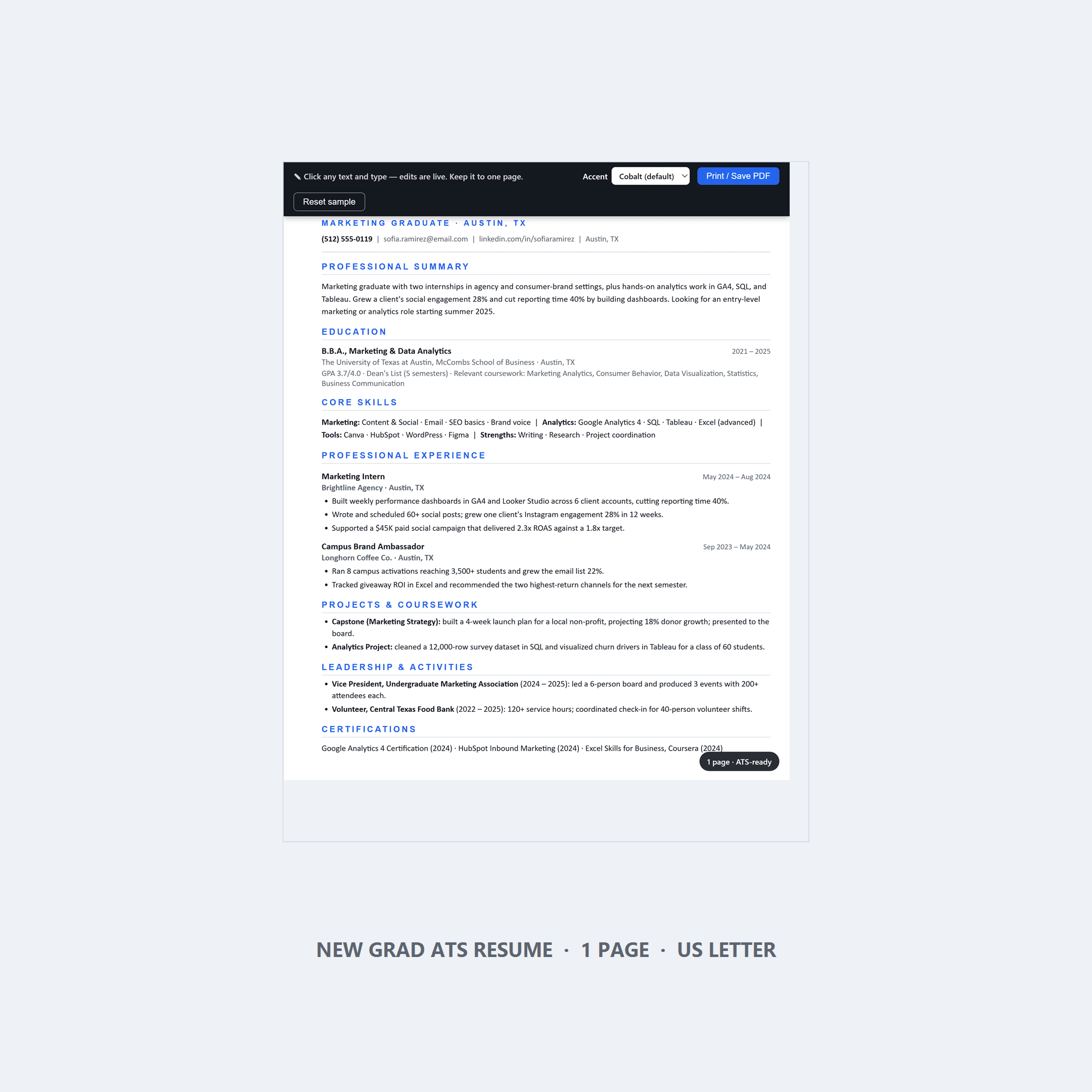
If you would rather start from a file than from a blank page: the Minimal ATS Resume Template is the one-page version, the New Grad template is built for students and first jobs, and the Executive template covers the two-page format from director level up. Each one ships with a matching cover letter and a pre-submit checklist of its own.
Next in this series: the cover letter checklist, the interview checklist, and, if you are early in your career, the new grad job search guide.
KEEP READING
Cover Letter Checklist for 2026: 40+ Checks Before You Hit Submit
Forty checks for the letter most people skip — opening, body, closing, tailoring, formatting, and the red flags that make a letter read like a template.
How to Display Kids' Art Without Losing Your Mind
The pile of kids’ art is not a storage problem, it is a decision problem. One test for what goes on the wall, and a rotation that takes fifteen minutes.
The Wall Behind Your Desk Is the Only Part of Your House Your Coworkers See
The wall behind your desk is the only part of your house your coworkers see. Four rules, three layouts, and the webcam mistakes that make it worse.
The Frame Shop Quoted Me $180 for One Photo. Here's What I Did Instead.
Custom framing costs $180 a photo — which is why the wall stays empty. How to print your own frame mats and hang a family photo wall in one weekend.
How to Get Your First Job After College Without Losing Your Mind
A funny, actually useful U.S. job search guide for new grads: the resume robot, LinkedIn, referrals, interviews, and a 30-day plan.
SHOP THE LOOK
Who we are — the studio, and the reason it exists.
Stay in the loop
New products and the occasional free sample, now and then.